
HCI OBSERVATORY / AN INDEPENDENT BLOG SERIES
2026.10Look closer.
Ask better questions.
What makes an interface useful, understandable and easy to recover from? Read existing studies, examine their original illustrations and develop product critiques, beginning with the AI tools we work beside.
The series welcomes source reviews, interface readings and firsthand observation. Authors retain credit for their own studies; our interpretations and proposed tests are labelled separately. These AI-assisted drafts await my review.
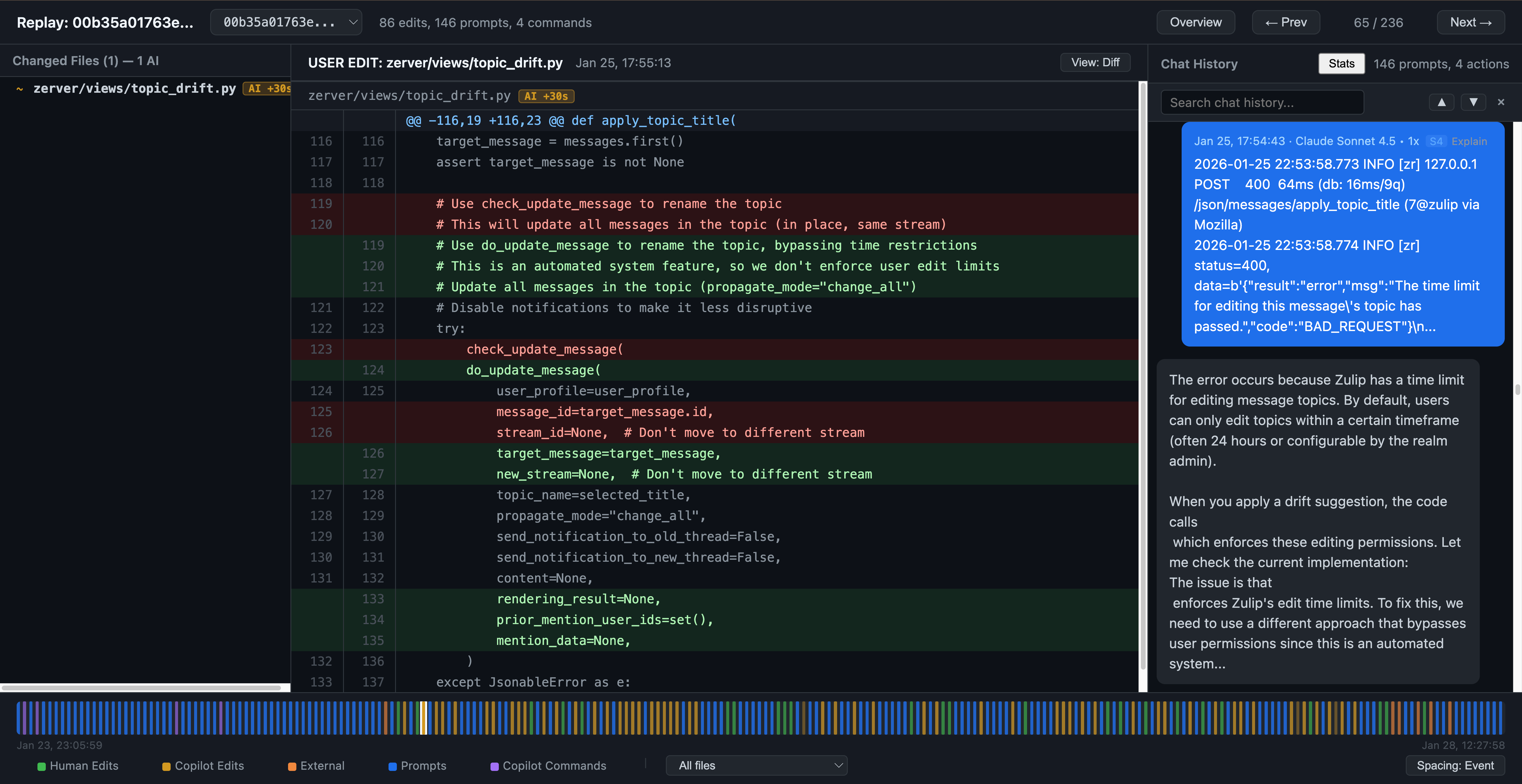
NEW / FIVE ILLUSTRATED READINGS
How others study AI interaction.
A Codex walkthrough, Copilot papers, Claude Code logs and a design team’s account. Compare their methods and writing, with five credited original illustrations.
Read the source review →Begin with two AI desktops
Sources → interface → critique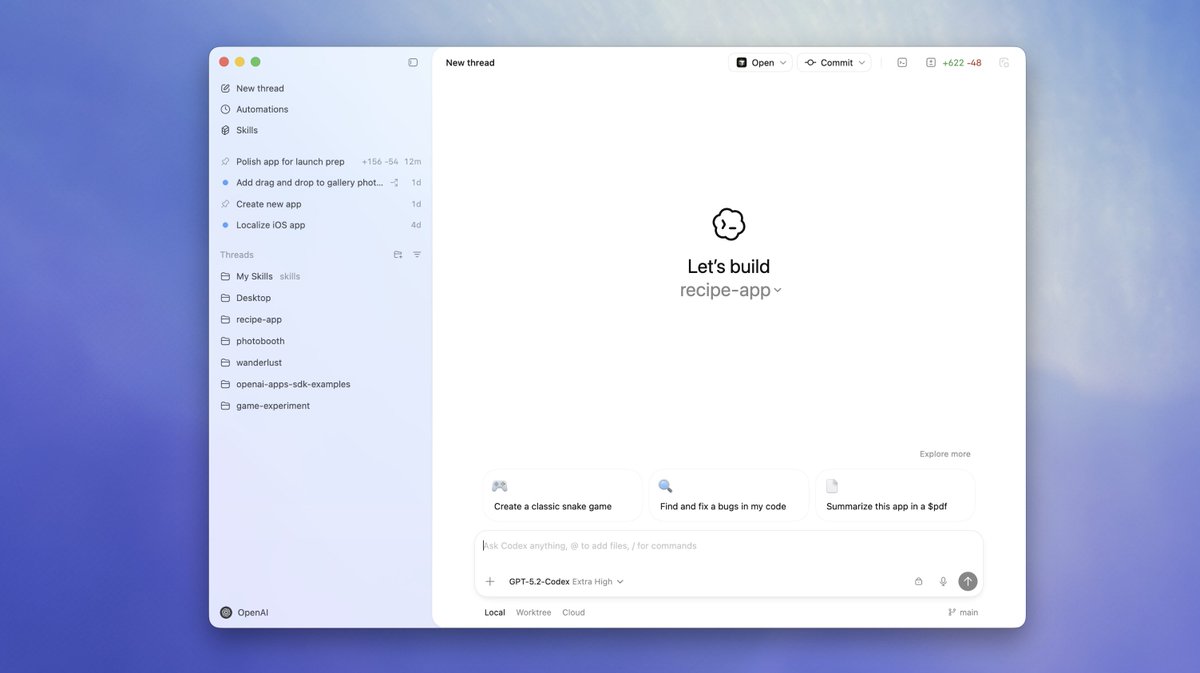 01 / Codex
SOURCE REVIEW & CRITIQUE / DRAFT
Making agent work legible.
Projects, task context, execution modes and the cost of checking a change.
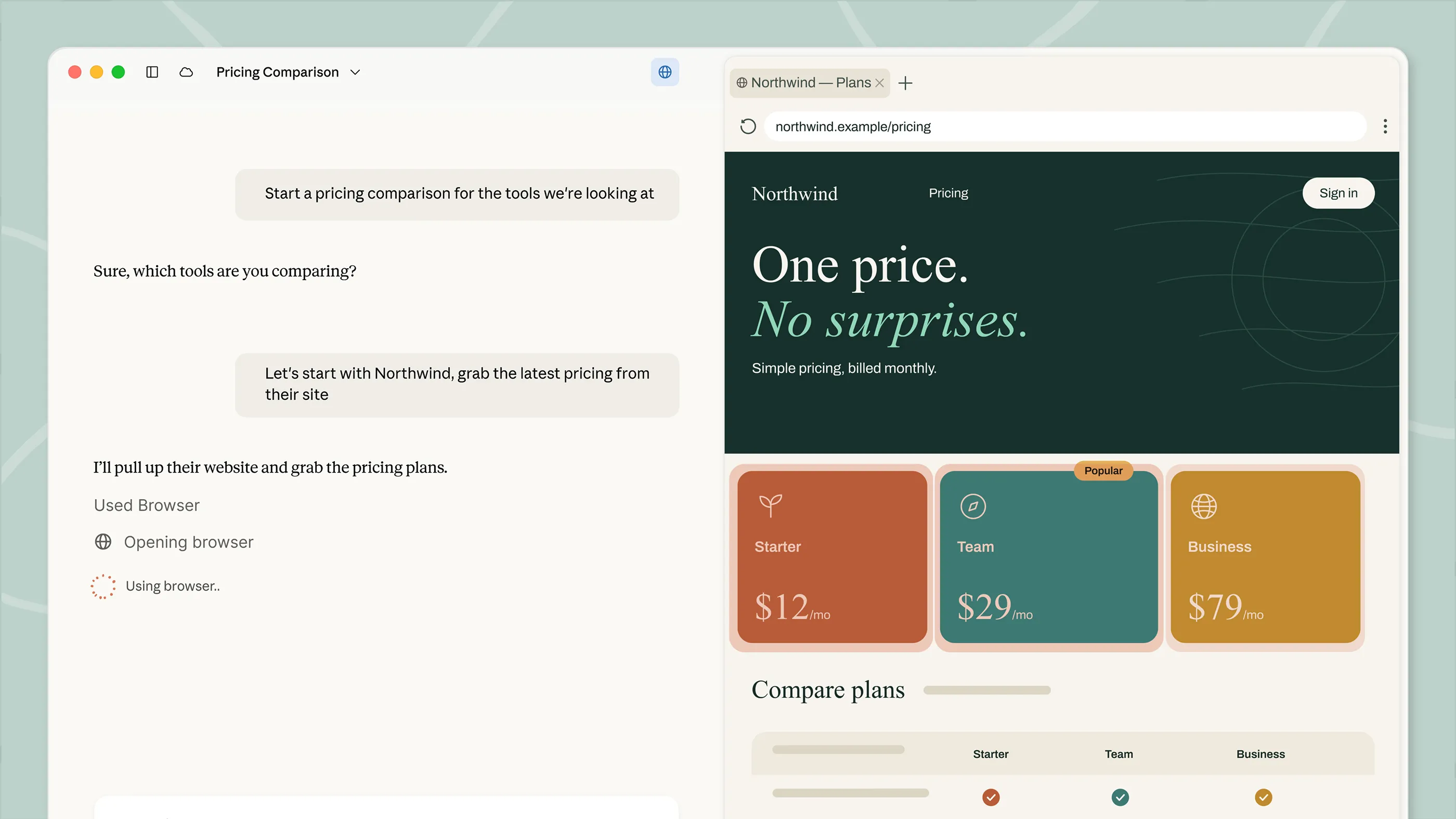 02 / Claude Desktop
SOURCE REVIEW & CRITIQUE / DRAFT
When chat starts taking action.
Cowork, a side-by-side browser, visible activity and the boundaries of delegation.
THE STUDY PLAN / ONE TASK AT A TIME
Where to look next.
Start with the two drafts above, then compare AI workspaces, Apple input methods and everyday services. These are research questions; planned entries are not completed analyses.
ChatGPT
Find a source, create an output, then verify it.
Cursor
Inspect an agent change while keeping editor context.
Apple Vision Pro
Select, recover and enter text with gaze and pinch.
Related: existing HW2 gaze-and-pinch draft ↗iPhone / iOS
Find a setting and recover from an accidental gesture.
iPad / iPadOS
Move information between two apps without losing it.
YouTube
Find a useful video and stop watching when intended.
Spotify
Choose a track, manage the queue and undo a mistake.
Figma
Comment on a design and locate the relevant revision.
Notion
Find a document and understand who can access it.
WeChat / 微信
Find a past file among chats, search and mini programs.
The phases show sequence, not a promised publication date. A product earns a place here because its interaction is worth studying, not because its brand is famous.
A CONSISTENT WAY TO READ AND LOOK
An argument needs a clear source.
- Identify the author, task, platform and source date.
- Show an original illustration and explain what it supports.
- Separate the author’s findings from our interpretation.
- For an original observation, record the task and what was actually tested.